Browser Tingo1
Publisher Description
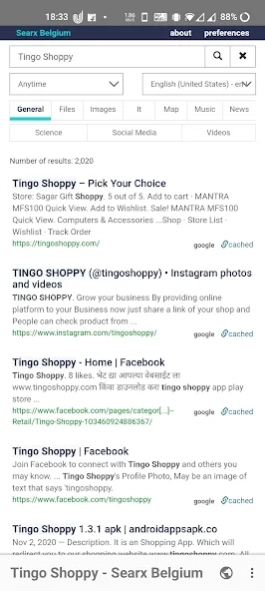
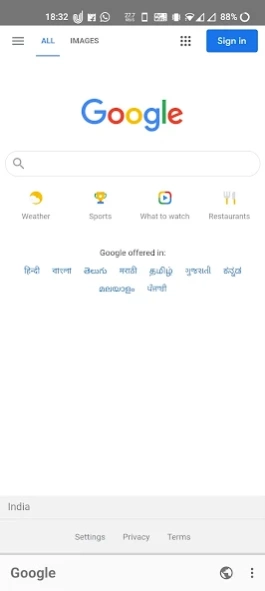
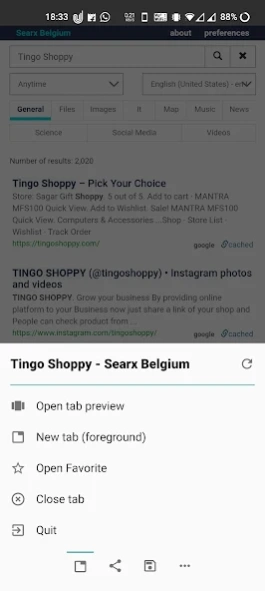
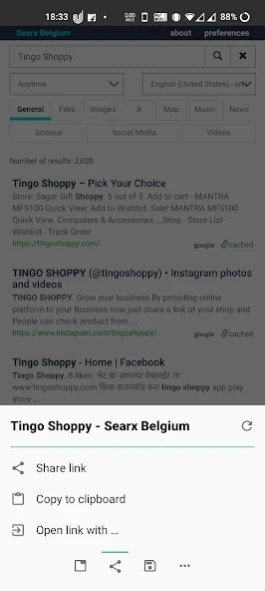
"Tingo Browser" is fully free/libre (as in freedom) Android Browser app
"Tingo Browser" is fully free/libre (as in freedom) Android app. The source code is public. The app also does not need any unnecessary permissions. It's a simple Android browser based on webview. The intention is to provide a simple and light weight but powerful browser with a nice looking user interface.
About Browser Tingo
The company that develops Browser Tingo is Magical Development. The latest version released by its developer is 1.
To install Browser Tingo on your Android device, just click the green Continue To App button above to start the installation process. The app is listed on our website since 2021-03-28 and was downloaded 0 times. We have already checked if the download link is safe, however for your own protection we recommend that you scan the downloaded app with your antivirus. Your antivirus may detect the Browser Tingo as malware as malware if the download link to magical.browser.tingo is broken.
How to install Browser Tingo on your Android device:
- Click on the Continue To App button on our website. This will redirect you to Google Play.
- Once the Browser Tingo is shown in the Google Play listing of your Android device, you can start its download and installation. Tap on the Install button located below the search bar and to the right of the app icon.
- A pop-up window with the permissions required by Browser Tingo will be shown. Click on Accept to continue the process.
- Browser Tingo will be downloaded onto your device, displaying a progress. Once the download completes, the installation will start and you'll get a notification after the installation is finished.
Program Details
System requirements
Download information
Pricing
Version History
version 1
posted on 2021-03-28
✸Some nice extra features:
✒small size
✒search on site
✒Websearch (from marked text context menu)
✒share/save as PDF
✒open links in other apps (for example YouTube)
✸UI/Handling:
✒optimized for one hand handling (toolbar at bottom)
✒tab control (switch, open, close unlimited tabs)
✒full material design
✒fullscreen browsing (optional)
✒navigation button in fullscreen mode
✒fast toggle for most important settings
✒advanced gesture control for toolbar and navigation button
